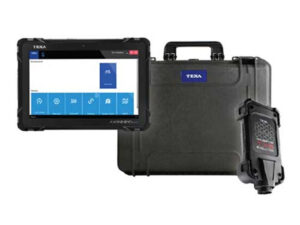

A scan tool is only as good as the help behind it. When a truck is down, a bay is tied up, or a module won’t take a flash, you don’t need a ticket number. You need a technician on the phone who knows the tool.
This guide covers how scan tool support works, what techs report going wrong with it, and how TEXA USA and Defy Diagnostics handle support for active TEXA customers. At the end you’ll find a checklist of questions to ask before you buy any diagnostic tool.
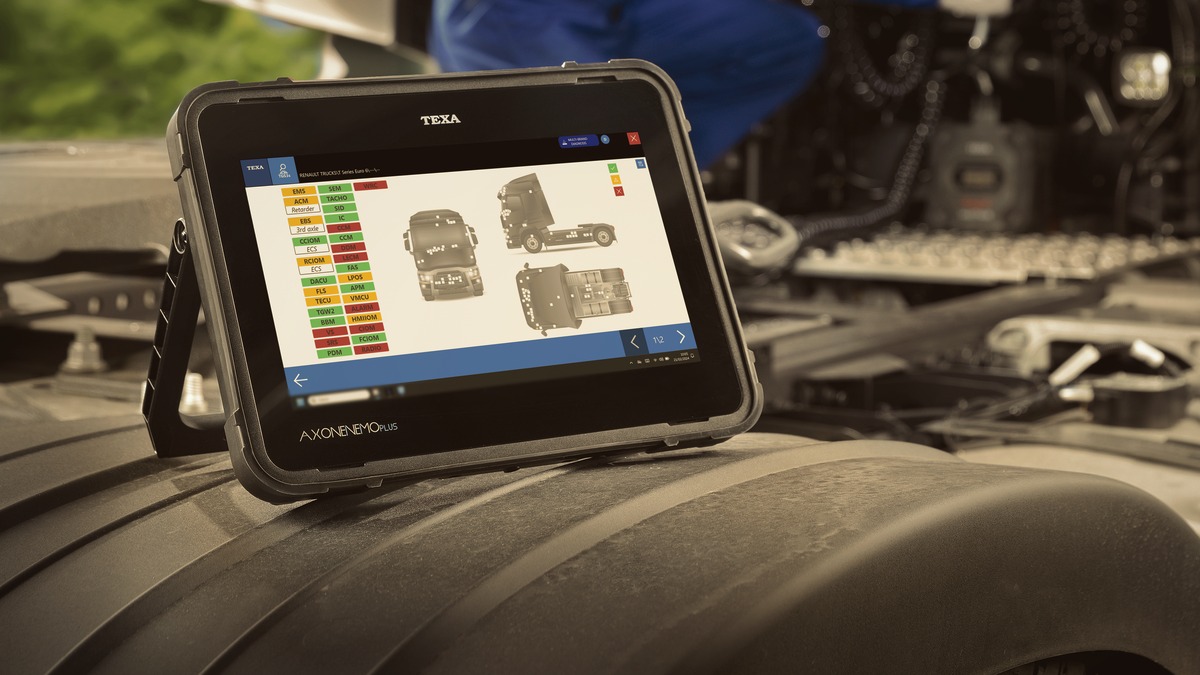
Why diagnostic scan tool support matters
Every diagnostic platform runs into questions. A new model year, an unfamiliar procedure, a communication error, a license or update issue. How fast you get an answer decides whether that is a five-minute delay or a lost day.
For fleets, a truck that sits waiting on an answer is not earning. For independent shops and mobile diesel techs, it is a bay or a service call that can’t be billed. For government and municipal fleets, it can mean equipment out of service when the public needs it. For tech schools, it is a class stuck on a problem nobody can solve.
Support is part of what you are paying for when you buy a scan tool. It is worth checking before you buy, not after.
What techs report about scan tool support
Read enough public reviews and forum threads about diagnostic tools and the same frustrations come up. Not every brand has every problem, and review sites tend to collect the worst experiences. Still, these patterns show up often enough to be worth knowing:
- Automated phone menus. Pressing through options and never reaching a person.
- Long hold times. Some reviewers describe holds of 20 minutes or more, and some say they were disconnected after waiting.
- Callbacks that never come. Choosing the callback option and still waiting hours later.
- Slow email replies. Email-only support, with replies that take days per message.
- Ticket queues. Submitting a request and waiting, with no way to talk it through live.
- Overseas or unclear support paths. Being sent between a reseller and an overseas support address, with neither able to help.
- Tools locking when a subscription lapses. Several reviewers say their tool was locked or limited after a subscription ended.
None of this is about whether a tool can read codes. It is about what happens when you need a person.
How TEXA USA support works
TEXA is a manufacturer of diagnostic tools, and TEXA USA is based in New Jersey. Per the TEXA USA announcement, active TEXA customers can reach TEXA USA support at (855) 200-8392, Monday through Friday, 8:30 AM to 5:30 PM ET.
Real technicians, typically within seconds
When you call, a live agent typically answers within seconds. No automated menu, no bot or AI, and no hour on hold. The person who answers is a technician who works with TEXA tools, so you can start on the problem right away.
Remote sessions through TeamViewer
In our experience and our customers’ experience, TEXA techs can connect to your tool or laptop through TeamViewer to work through software or hardware issues with you. Instead of describing a screen over the phone, the tech can see it and walk you through the fix.
iSupport for online tickets
Some techs would rather write it up than call. For them, TEXA offers iSupport to TEXAinfo subscribers, which lets you request technical support online, right from the diagnostic tool. The TEXA customer service page describes how it works.
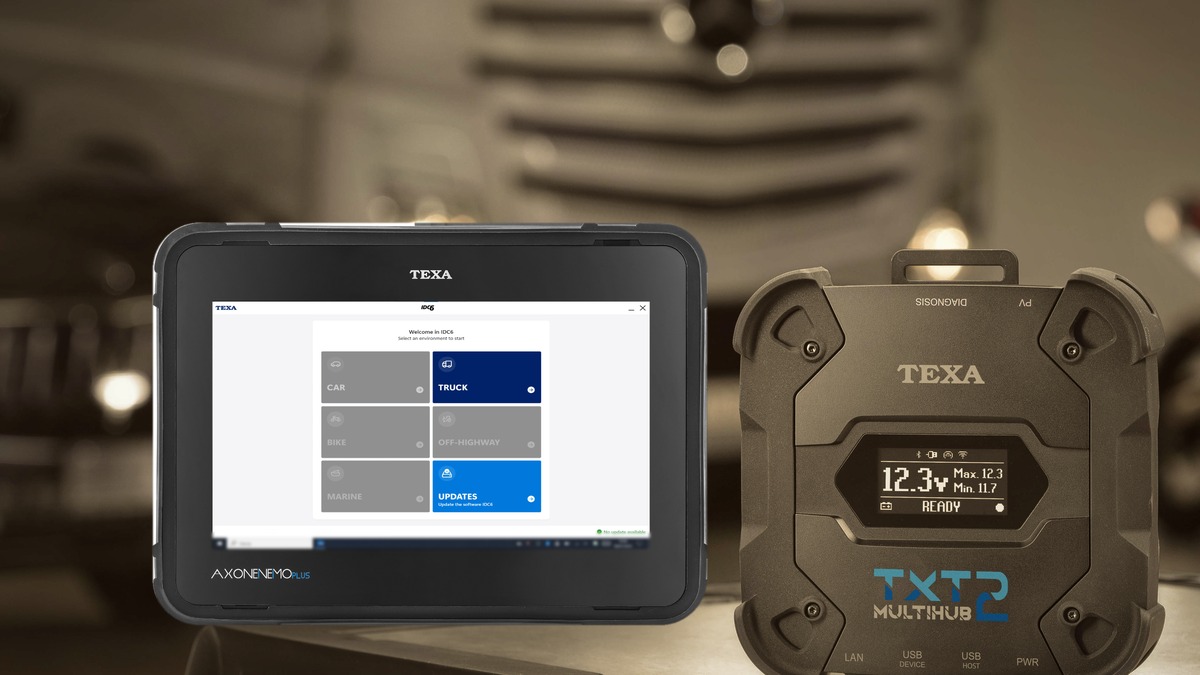
How Defy Diagnostics supports active TEXA users
TEXA’s support line is one layer. Defy Diagnostics adds another, with a person you can call directly.
Remote support from Dave Caron
Defy offers remote support Monday through Friday, 9 AM to 5 PM ET. It is handled by Dave Caron himself. We try to help any active TEXA user, not only customers who bought from us. Call 864-803-3744.
Unlimited remote training for active customers
All active Defy customers get unlimited remote training. It starts with a phone call with a live person. We learn about your company, your vehicles and equipment, and what your techs need, then schedule training around that.
A fleet bringing diagnostics in-house needs something different from a mobile diesel tech or a school setting up a lab. Training is built around the operation, not a generic script.
A side-by-side look
Here is how TEXA and Defy support compares to the common complaints above:
- Automated menus: a live TEXA agent typically answers within seconds.
- Long holds and missed callbacks: you talk to a technician on the first call, and Defy’s line reaches Dave directly.
- Describing problems by email: TEXA techs can connect through TeamViewer and see the issue, in our experience.
- Prefer writing it up: TEXAinfo subscribers can use iSupport to send a request from the tool.
- Learning the tool: unlimited remote training for active Defy customers, scheduled around your needs.
One honest note: TEXA USA’s hours are standard business hours, 8:30 AM to 5:30 PM ET on weekdays. If your shop runs nights or weekends, plan for that, and if you subscribe to TEXAinfo, use iSupport for after-hours requests.
Questions to ask before you buy a scan tool
Whatever tool you are looking at, ask these before you buy:
- Who answers the support line, a technician or a phone menu?
- How long does it typically take to reach a live person?
- What are the support hours, and in what time zone?
- Can a tech connect remotely to see the problem?
- Is there a way to submit a request online, and how fast are replies?
- Who supports the tool in the US, the manufacturer or a reseller?
- What happens to the tool and to support if a subscription lapses?
- Is training included, and how is it scheduled?
- Does the seller offer its own support on top of the manufacturer’s?
Get the answers in writing where you can. They will tell you more about the next few years with the tool than a feature list will.
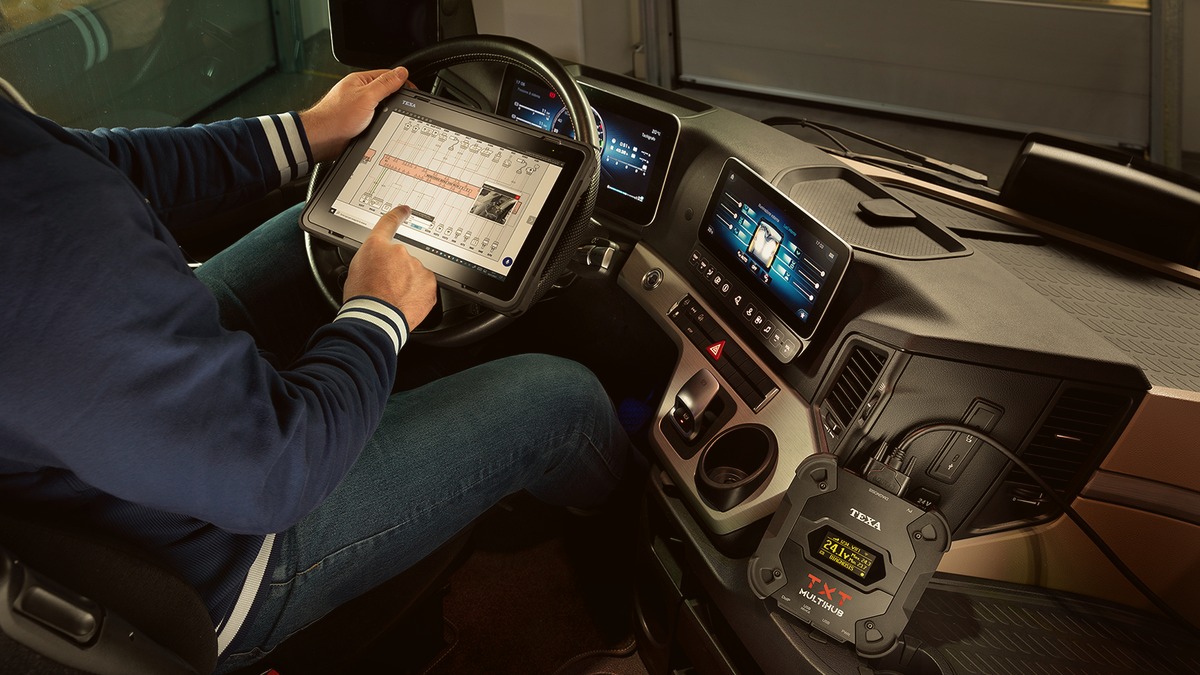
Support that comes with the tool
If you are looking at a heavy-duty setup, the TEXA AXONE Nemo Plus Truck Kit is $7,495 and is a good place to start. Check the Specials page for current promotions.
For more from Defy, read our posts on the EPA 2027 emissions rule and on upgrading your TEXA Toughbook.
Talk to a Diagnostic Expert
Have a question about a tool, a training plan, or support for the TEXA equipment you already own? Call 864-803-3744, Monday through Friday, 9 AM to 5 PM ET. You will talk to a person.
Frequently asked questions
What is the TEXA USA support phone number?
TEXA USA support is (855) 200-8392, Monday through Friday, 8:30 AM to 5:30 PM ET.
How fast does TEXA support answer?
A live agent typically answers within seconds. There is no automated menu, no bot, and no long hold.
Can I submit a TEXA support ticket online?
Yes, if you subscribe to TEXAinfo. TEXA iSupport lets TEXAinfo subscribers request technical support online, right from the diagnostic tool.
Does Defy Diagnostics offer training?
Yes. All active Defy customers get unlimited remote training, scheduled by phone after Defy learns about your company and needs.
Who can use Defy Diagnostics remote support?
Defy helps any active TEXA user, Monday through Friday, 9 AM to 5 PM ET. Call 864-803-3744.